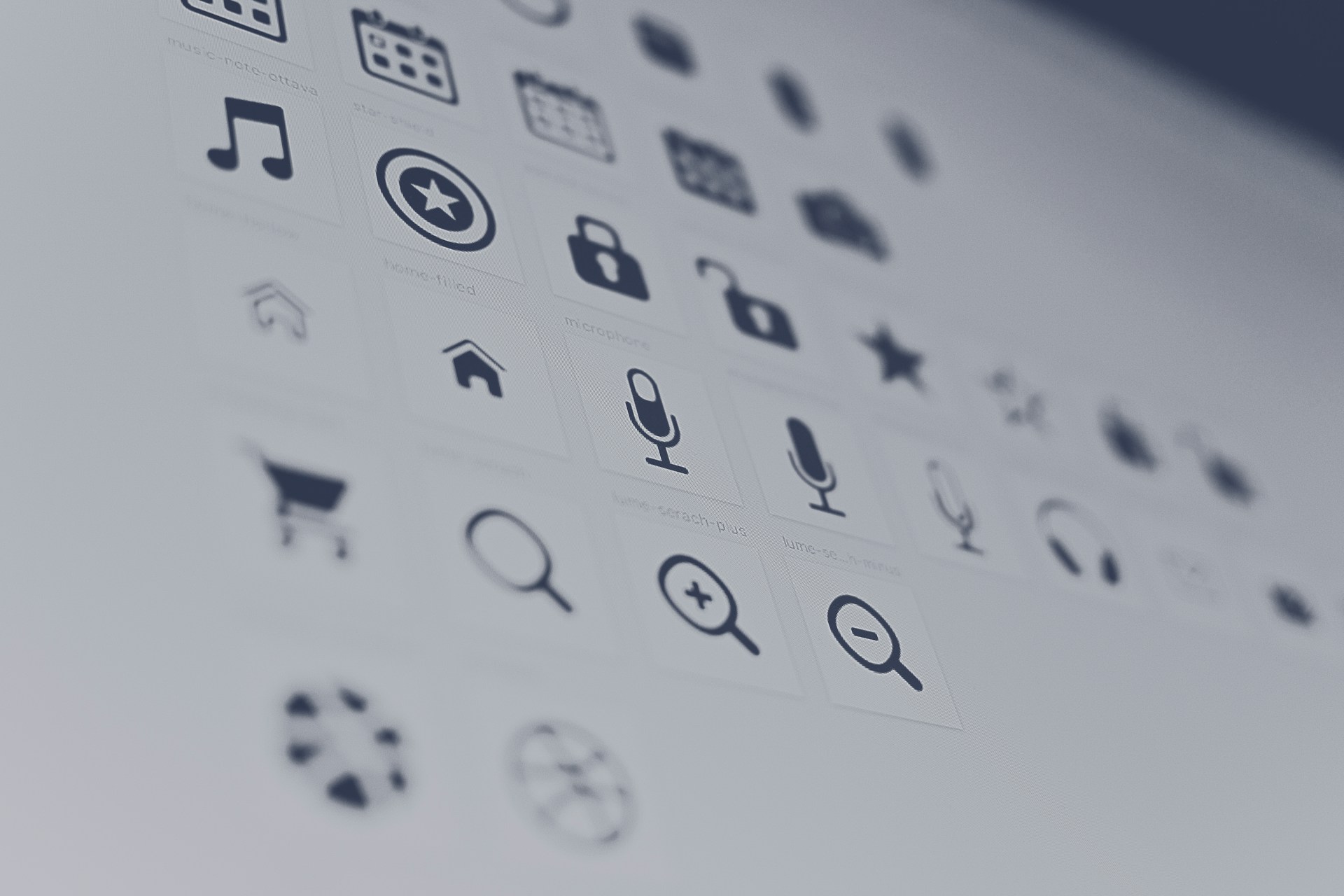
Icons are the quiet workhorses of modern design. They appear in apps, websites, dashboards, presentations, social posts, and brand systems. In 2026, AI has made high-quality icon generation accessible to anyone who can describe what they need. You no longer need Illustrator expertise or expensive stock libraries for clean, scalable icons.
This guide focuses on the five strongest free AI icon generators available right now. I evaluated them on actual free-tier usefulness (not just “free to try then paywall”), vector (SVG) quality and editability, consistency across sets, export options and commercial rights, speed and ease for non-designers, and how well they handle real workflows such as app icons, UI sets, and brand systems.
The goal is practical value: which tools let you generate usable icons today without immediate payment, what the free limits actually mean, and when upgrading makes sense.
Top 5 Free AI Icon Generators (2026)
| Tool | Best For | Free Tier Strength | Vector/SVG Export | Commercial Rights on Free | Paid Starting Price | Standout Strength |
|---|---|---|---|---|---|---|
| Recraft | Editable vector icons & sets | Daily credits, strong quality | Excellent (native) | No (public/personal only) | ~$10–12/mo | True editable SVG paths |
| CleanVector | Consistent icon sets | Solid free plan + batch | Yes | Yes | ~$5/mo | Editable vectors + consistency |
| IconScout AI | Text-to-SVG with editing | Limited free generations | Yes | Yes (limited) | From ~$1.25/mo | Built-in SVG editor |
| Imagcon | App icons (iOS/Android/PWA) | Free plan with platform exports | Partial | Yes | ~$5 one-time or sub | Ready-to-use size packs |
| IconsMint | Extending or adjusting sets | Fully free core features | Yes | Yes | Free / paid upgrades | Outline weight control + sets |
Prices and limits change—always verify on the official sites. “Free” almost never means unlimited commercial production-ready files.
1. Recraft – Best Overall for High-Quality Vector Icons
Recraft stands out in 2026 because it generates native editable SVG vectors, not just raster images that need tracing. Its models are trained with designers in mind, producing clean paths suitable for icons, logos, and illustrations.
Free tier: Limited daily credits that reset every 24 hours. You can generate and download, but free outputs are public, owned by Recraft, and restricted to personal/non-commercial use. This is the main catch—perfect for testing and learning, but not for client work or products without upgrading.
Paid value: Basic plans start around $10–12 per month (lower annually) and unlock private generations, commercial rights, higher limits, and full vector features. Pro tiers add more credits and advanced models.
Strengths:
- Excellent vector quality and path economy
- Style consistency tools for icon sets
- Strong for both single icons and coordinated collections
- Browser-based with good editing options
Limitations:
- Free commercial use is blocked
- Daily free limits require planning
Best for: Designers and product teams who need clean, scalable SVG icons that open properly in Figma, Illustrator, or code. If vector quality matters most, start here and upgrade when you ship.
Pro tip: Use specific prompts like “minimal flat vector icon of a shopping cart, 24px style, single color, clean outlines, no shadows” for best results. Generate variations and refine.
2. CleanVector – Best for Consistent, Editable Icon Sets
CleanVector ranks highly across 2026 comparisons for producing coherent icon families. It focuses on editable vectors with shared proportions, stroke weights, and palettes—exactly what you need for UI kits or brand systems.
Free tier: Genuine free plan with vector export and batch generation. Commercial use is supported on free in many reports, making it one of the more practical free options.
Paid value: Starts around $5 per month and increases generations and features. Low barrier to higher volume.
Strengths:
- Strong consistency across generated sets
- Vector export and editability
- Batch tools for creating related icons quickly
- Transparent pricing
Limitations:
- Monthly free generations are capped (check current numbers)
- Less brand recognition than some larger platforms
Best for: Teams building design systems or anyone who needs multiple matching icons rather than one-off graphics. The consistency focus delivers real workflow value.
3. IconScout AI Icon Generator – Best Text-to-SVG with Built-in Editing
IconScout combines AI generation with a practical SVG editor. You generate from text prompts, then tweak colors, elements, and details without leaving the platform. It offers multiple AI models and limited free generations.
Free tier: A small number of free generations (often three or more depending on current offers). SVG output is available, and commercial rights apply with limits on free.
Paid value: Affordable entry (sometimes from ~$1.25/mo billed yearly) for higher volume and full library access. IconScout also has a large stock library if you want to mix AI with pre-made icons.
Strengths:
- Native SVG + editor combination
- Royalty-free focus
- Good for refining generated icons
Limitations:
- Free generations are limited
- Less specialized in pure set consistency than CleanVector
Best for: Users who want to generate and immediately polish icons in one place. Ideal when you need SVG files ready for web or apps with minimal extra tools.
4. Imagcon – Best Free Option for App Icons (iOS, Android, PWA)
Imagcon is purpose-built for developers and product teams. It generates icons from prompts and packages platform-ready assets (different sizes for iOS, Android, and progressive web apps).
Free tier: Usable free plan that includes exports suitable for app stores and PWAs. Commercial rights are generally available.
Paid value: Low entry (around $5 one-time or subscription options) for higher volume and advanced packaging.
Strengths:
- One-click platform size packs
- Practical for shipping apps
- Focused on real deployment needs rather than pure illustration
Limitations:
- Less emphasis on pure artistic vector illustration
- Vector export may be partial compared with Recraft
Best for: Mobile and web developers who need store-compliant icons fast. If your main goal is “upload to App Store / Play Store,” this saves significant manual resizing work.
5. IconsMint – Best Completely Free Core Experience for Sets and Adjustments
IconsMint offers a strong free experience focused on generating and extending icon sets. You can adjust outline weights (from ultra-thin to extra-bold) and create coherent collections. Vector export is supported.
Free tier: Core generation and many features are free. This makes it one of the least restricted free options for experimentation and lighter commercial use.
Paid value: Optional upgrades for higher volume or advanced features.
Strengths:
- Generous free access
- Good tools for set consistency and weight control
- Vector support
Limitations:
- May lack some advanced AI model variety of paid platforms
- Less widely known than Recraft
Best for: Designers and developers who want to stay free as long as possible while still producing usable sets. Excellent starting point for experimentation.
Free vs Paid: Honest Total Value Breakdown
| Aspect | Free Tier Reality | When Paid Becomes Worth It |
|---|---|---|
| Generation volume | Daily or monthly caps | Regular product work or client projects |
| Commercial rights | Often restricted or limited | Any public product, app, or client deliverable |
| Vector quality & editability | Varies; Recraft & CleanVector strongest | Production design systems |
| Privacy | Sometimes public | Confidential or branded work |
| Platform exports | Basic or partial | Full iOS/Android size packs |
| Consistency tools | Limited | Building full icon libraries |
Free tiers in 2026 are excellent for learning, prototyping, and personal projects. The moment icons go into a shipped product, client work, or commercial site, most users upgrade. The cheapest paid plans ($5–12/month) usually unlock the features that remove friction.
How to Choose the Right Free AI Icon Generator
- Need true editable SVG for design systems → Start with Recraft or CleanVector
- Building app icons for stores → Imagcon
- Want generate + edit in one tool → IconScout AI
- Prefer maximum free access for sets → IconsMint
- Mixing with stock libraries → IconScout
Always test with your actual use case. Generate the same prompt across two tools and compare path quality, consistency, and export cleanliness. For a broader view of how icons fit into a full visual identity, the best AI tools for branding overview covers complementary approaches that many teams use alongside icon generators.
Practical Tips for Better AI Icon Results
- Write precise prompts: “Minimal line icon of a rocket ship, 24×24 style, single stroke weight, no fill, centered, black on transparent, flat design”
- Specify style early: flat, line, glyph, 3D, outlined, filled, Material, iOS-style, etc.
- Request sets: “Generate a consistent set of 8 UI icons in the same style: home, search, user, settings…”
- Use negative prompts when available: “no text, no shadows, no gradients, no 3D”
- Export at higher resolution then scale down for crisp results
- Always check commercial license terms before using in products
- For production, open SVGs in a vector editor to clean paths if needed
Emerging Trends in AI Icon Generation (2026)
- Stronger native vector models (true paths instead of traced rasters)
- Better style reference and set consistency
- Direct platform packaging (iOS/Android size packs)
- Integration with design tools (Figma plugins, etc.)
- Clearer commercial licensing on free tiers (still evolving)
Tools that combine generation with editing and export packaging continue to pull ahead of pure image generators.
Frequently Asked Questions
What is the best free AI icon generator in 2026?
It depends on your goal. For true editable SVG quality, Recraft leads on free daily credits (with the commercial-use limitation). For consistent free sets with commercial rights, CleanVector is stronger. For app-store ready size packs, Imagcon stands out. No single tool wins every category.
Can AI generate real SVG files or only raster images?
Some tools generate native editable SVG paths (Recraft and CleanVector are the strongest examples here). Many others produce high-quality PNG or JPG that you then convert. Always open the file in a vector editor to confirm it contains editable paths rather than a traced bitmap.
Are free AI-generated icons safe for commercial use?
Not automatically. Recraft’s free tier is personal/public only. CleanVector, IconsMint, and Imagcon generally allow commercial use on free plans, but limits and terms vary. Always read the current license before shipping a product or client deliverable.
Do free AI icon generators add watermarks?
The better free tiers (Recraft, CleanVector, IconScout, Imagcon, IconsMint) typically do not watermark downloads. Some lower-quality tools still do, so check the export preview.
Is there a free AI icon generator with no sign-up?
Very few. Most require an account for free credits or downloads. A small number of experimental tools allow limited generation without an account, but quality, resolution, and commercial rights are usually weaker.
How do I create a consistent icon set with AI?
Choose a tool that supports style references or set generation (CleanVector and IconsMint excel here). Write a clear style description once, then generate multiple icons using the same base prompt and style parameters. Review and regenerate outliers.
Are AI icons good enough for professional apps and websites?
Yes for concepting, early production, and many shipped products—especially when you start with a vector-native tool and do light cleanup. For highly polished design systems, most teams still refine the best AI outputs.
Final Recommendation
For most people in 2026:
- Start with Recraft if vector quality and future commercial use matter (upgrade when ready).
- Use CleanVector for consistent free sets with commercial rights.
- Choose Imagcon specifically for app icons.
- Try IconScout AI when you want generation plus quick editing.
- Use IconsMint when you want the freest possible experimentation.
The best free AI icon generator is the one that matches your output needs (SVG vs PNG, single vs set, app vs general) and lets you move from idea to usable file with the least friction. Test two or three with the same prompts today. Generate a small set for a real project, check the exports, and decide based on quality and rights rather than marketing claims.
Icons are small but high-leverage. With these tools, creating professional ones has never been faster or more accessible. Pick one, generate something useful, and ship it. When you are ready to expand beyond icons into other brand materials such as cards, the AI business card maker guide offers a practical next step that many readers find useful.





Be First to Comment