Creating a logo with AI is easy. Creating a good logo with AI is the challenge.
Most AI logo makers can recognize your industry and give you something technically correct. Type in “coffee shop” and you’re guaranteed to see coffee cups and beans. And yes, that is technically what you need.
But your logo also has to reflect nuances, specifically what makes your particular coffee shop different — whether that’s a premium atmosphere, a creative vibe, or a focus on small-batch specialty coffee.
That’s where the differences between AI logo makers become much clearer.
Some tools are particularly good at understanding the wider brand behind your prompt. Others give you more creative ideas to explore, while some give you more ways to experiment with the final design.
The quality of the output matters just as much. The right concept isn’t particularly useful if the typical AI flaws like misspelled business name, distorted text, or randomly placed icons are still present.
With that in mind, we’ve rounded up six of the best AI logo makers to use in 2026, focusing on what it’s actually like to create a logo with each one and the kind of results you can expect.
7 Best AI Logo Makers To Use in 2026 – At a Glance
| Tool | Best for | What stands out |
| Design.com | Best overall | On-brand and tailored results |
| BrandCrowd | Creative concepts | Wide range of distinctive visual directions |
| Wix | Beginners | Guided creation process from idea to finished logo |
| Canva | Simple logo creation | Fast, familiar, and beginner-friendly workflow |
| Looka | Visual preference matching | Ability to build logos based on colors, icons, or art style you like |
| Adobe Express | Experimentation and editing | Settings and editors that could creatively influence the AI output |
| Fiverr | Clean designs with no AI errors | Designer made templates so no common AI glitches |
7 Best AI Logo Makers To Use in 2026 – Detailed View
The six best AI logo makers to use in 2026 are Design.com and BrandCrowd, with Wix/Wixel, Canva, Adobe Express, and Fiverr following behind.
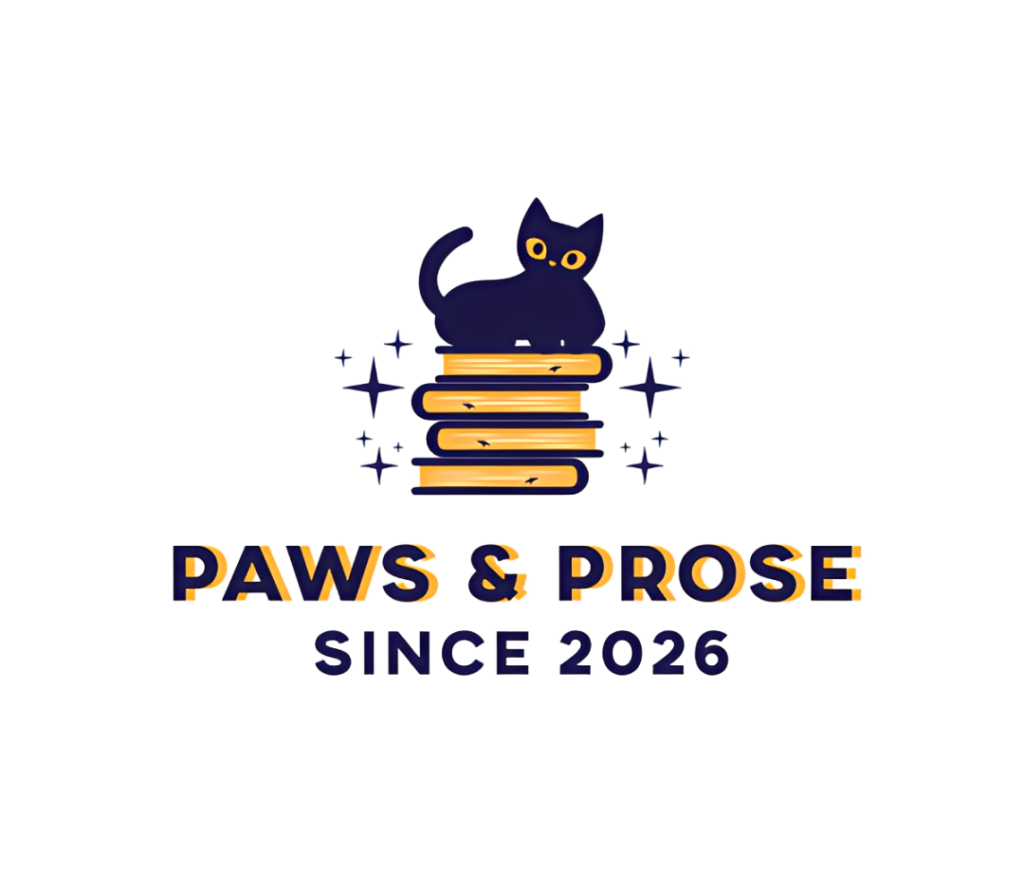
We arrived at that conclusion after having the tools create a logo for the same fictional brand. The brand is Paws & Prose, a cozy independent bookstore with a resident shop cat that should feel warm and cozy.
Let’s see our deep dive into each tool to see how they fared in the challenge and why they got to our 6 best AI logo makers list.
1. Design.com: For on-brand logos that need minimal editing
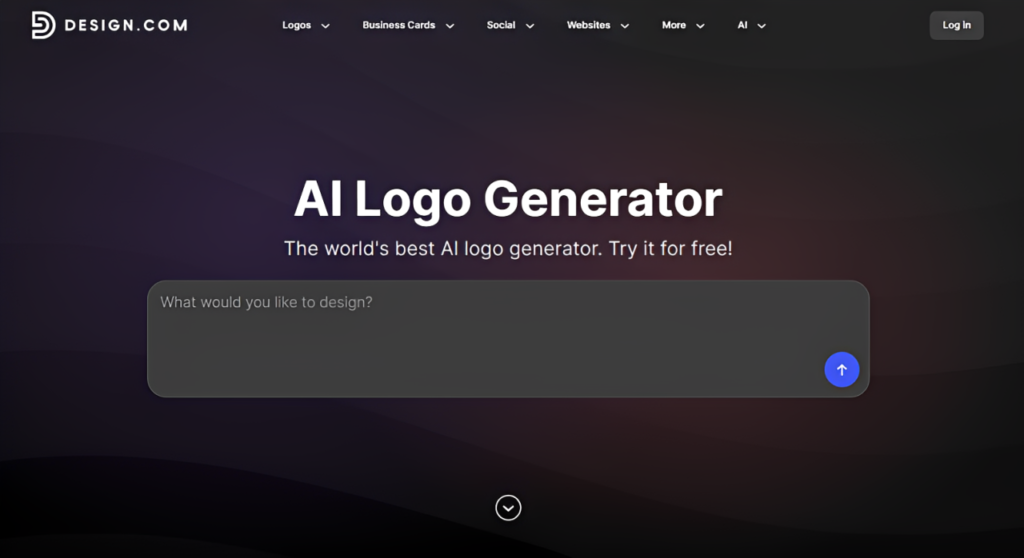
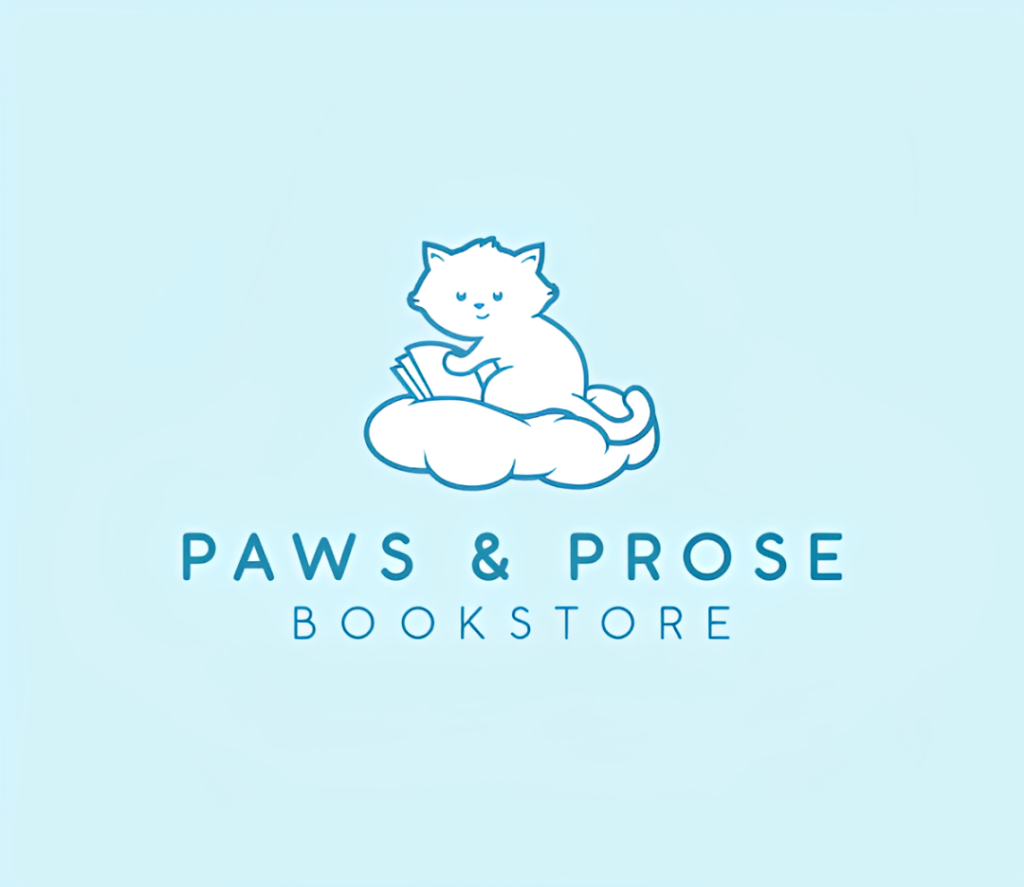
- Getting started: Users need to go to the AI logo maker page to enter their prompt or their business name and keywords. This gives the AI context about what your business does and the identity you’re trying to create. You can be relatively broad if you’re still exploring ideas or provide more detail about your specialty, positioning, or personality if you already know the direction you want.
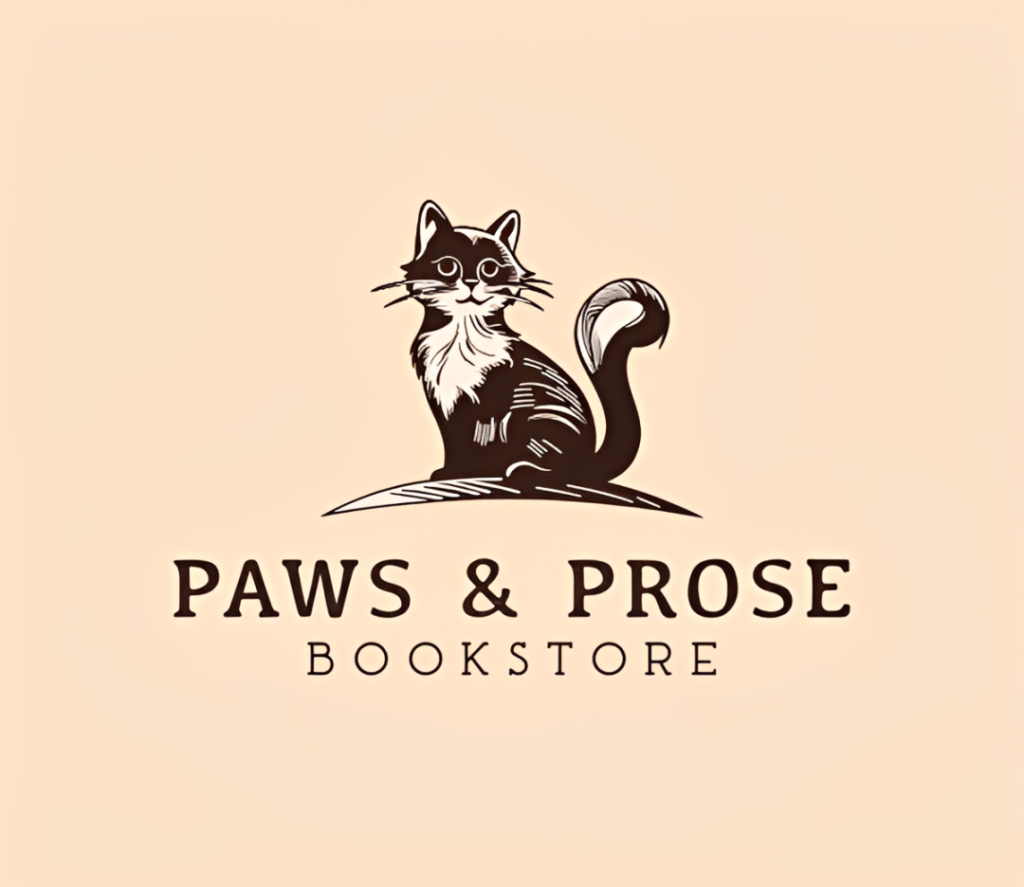
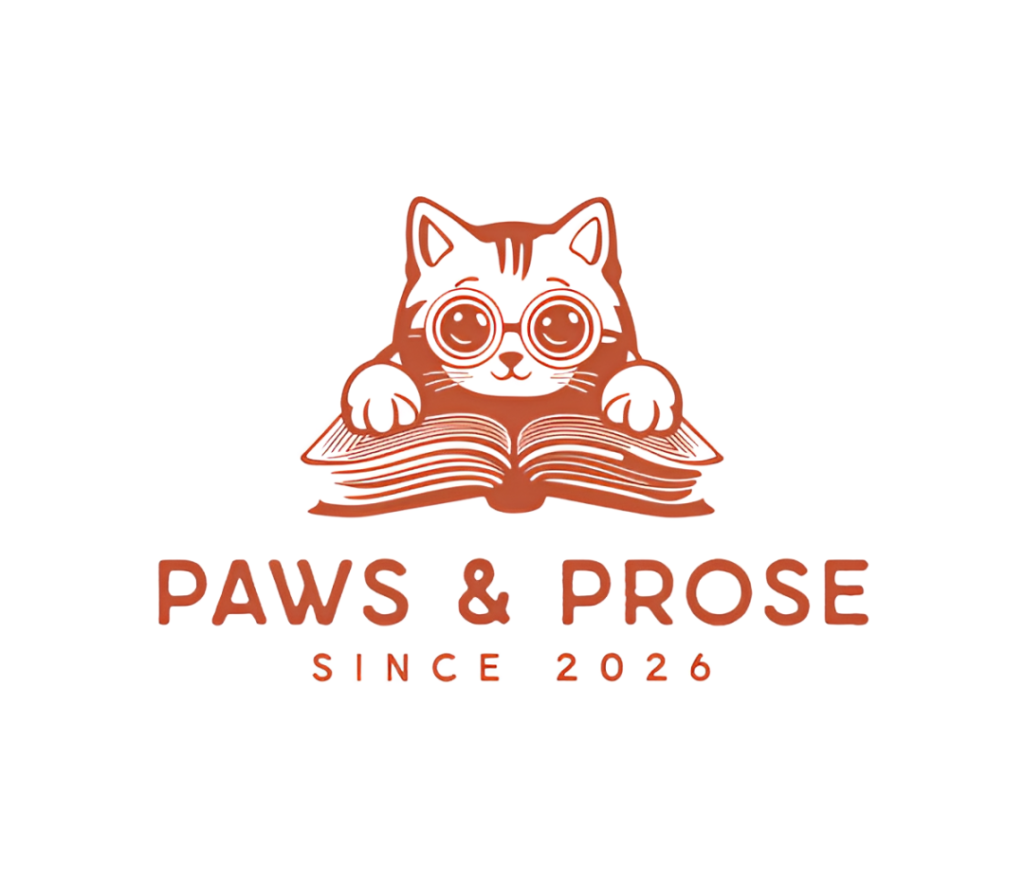
- What it does well: Brand relevance is Design.com’s biggest strength. It managed to hit both the right visual style and icons for both the bookstore and the cat, and captured the cozy vibe as well. The result is something appropriate for Paws & Prose and not just one that could belong to any other bookstore.
- What the logos are like: The designs are consistently polished, with clean typography, well-made graphics, and great color combinations. Because Design.com works with an enormous logo library spanning different industries, niches, and styles, it’s easier to find something suitable or specific without needing to settle for the closest available design. The AI logos also avoid many of the misspellings, malformed graphics, and strange details that can appear when a generative image model tries to create an entire logo from scratch.
- Editing: Logos remain fully customizable rather than being flattened into a single image. This is a huge plus since other tools tend to flatten them which makes it difficult to adjust every single detail (that is, without wasting AI credits to ask the AI to regenerate each time). Design.com also offers an AI chat editor, so you can request changes conversationally if you’d rather not make every adjustment manually.
- Where it could be better: The sheer number of designs can make browsing feel overwhelming especially if you already have an extremely specific concept in mind. Though you can narrow it down with more precise keywords, filtering the results, or by shortlisting logos.
- Pricing: Free logos are available. Premium templates require a paid plan. Starter costs $3/month billed annually ($9 monthly), Value costs $4/month annually ($14 monthly), and Premium costs $5/month annually ($19 monthly).
Do we recommend Design.com?
Yes. Design.com is our best overall AI logo maker for 2026 as it produces designs that are relevant to the specific brand you’re describing and was able to avoid AI pitfalls like distorted text or irrelevant icons.
2. BrandCrowd: For visually distinctive logo concepts
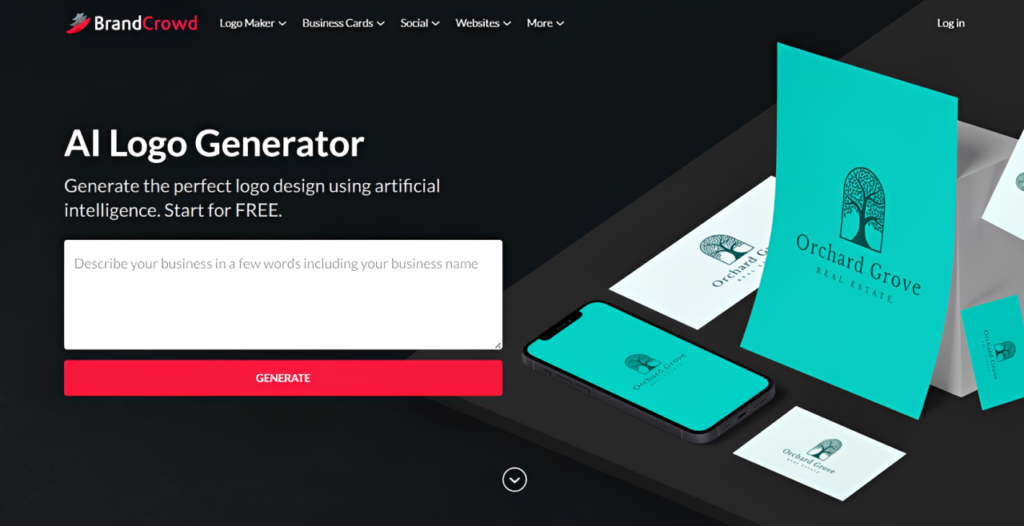
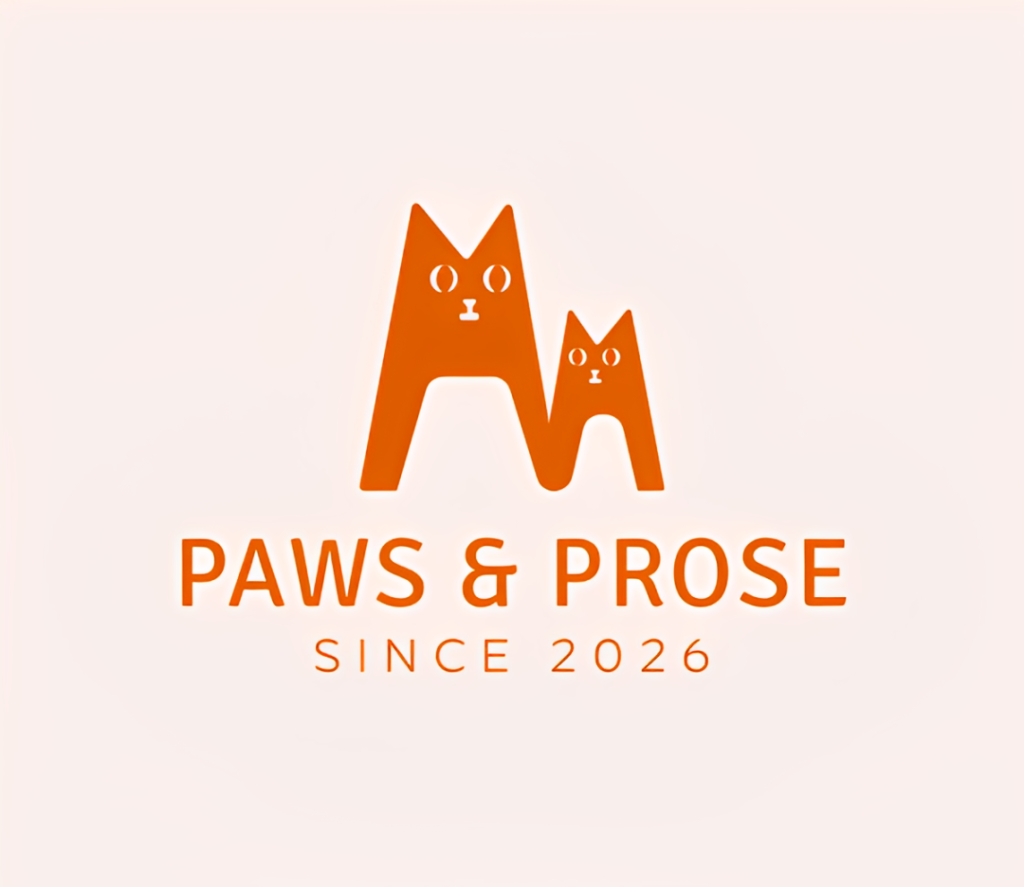
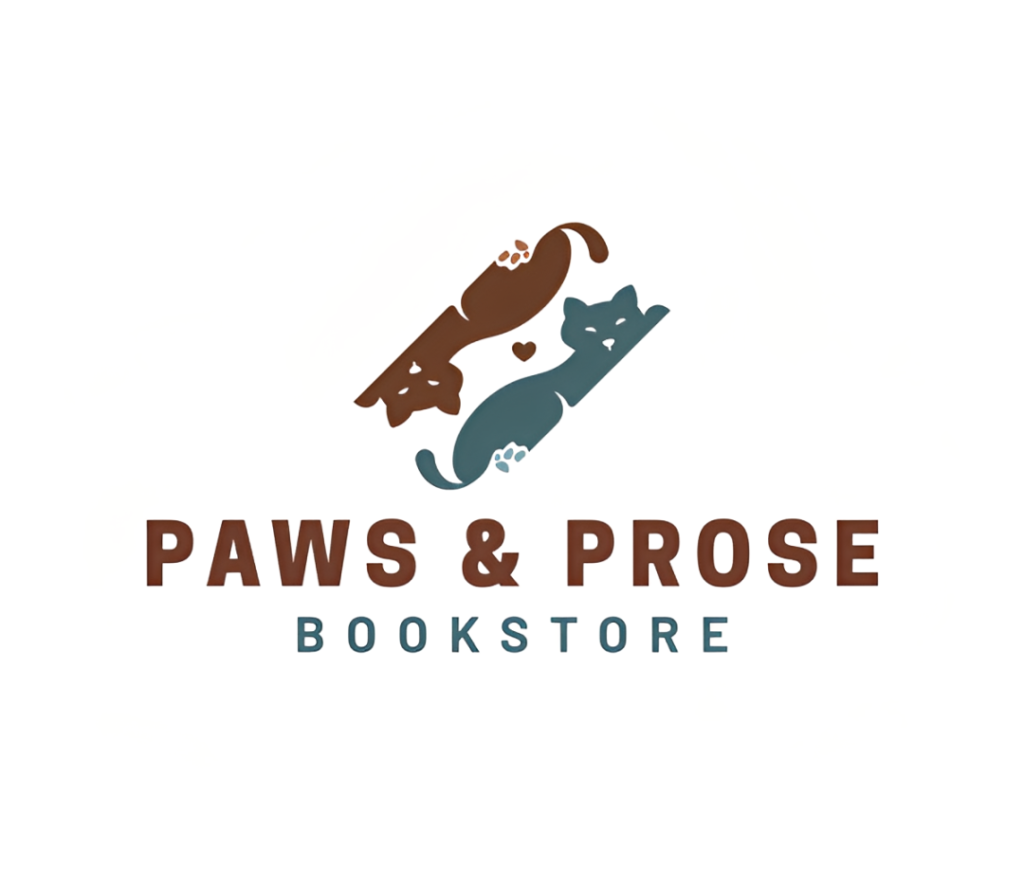
- Getting started: Users need to type in their prompt, which should ideally have their business name and keywords.
- What it does well: BrandCrowd’s biggest strength is creative variety. The logo generator doesn’t always settle for the safest visual interpretation of your business and is good at showing you noticeably different ways your brand could look. With Paws & Prose, for example, that means you might find elegant line-art concepts, typography-led logos, or more abstract interpretations of the cozy literary identity. This makes BrandCrowd particularly useful when you want to go outside the box or if you want to shop around for ideas first on what the logo can look like.
- What the logos are like: Polished but varied. BrandCrowd’s concepts tend to have clean typography, well-designed icons, and sensible compositions, but they don’t all feel like slight variations of the same template. Some are minimalist, some more illustrative, and others take less obvious approaches to the industry. That gives you genuine options when exploring your visual identity instead of simply choosing between different colors of essentially the same logo.
- Editing: Once you’ve chosen a concept, BrandCrowd provides a straightforward drag and drop editor for customizing colors, fonts, icons, layouts, and other elements. The interface is approachable enough for beginners, so you don’t need professional design experience to personalize the result.
- Where it could be better: Creative variety can occasionally mean seeing concepts that take more liberties with your brief. If you want something that fits your brief as is, Design.com is the better choice.
- Pricing: BrandCrowd have free logo templates available for free, with paid options available for premium designs and additional branding features. Paid plan starts at $9/month.
Do we recommend BrandCrowd?
Yes, particularly if you want a step above the usual boring template or AI look as BrandCrowd is excellent at showing you different ways your brand could look. But if you want something that follows your brief to a T, Design.com is better.
3. Wix / Wixel Logo Maker: For beginners who prefer step-by-step guidance
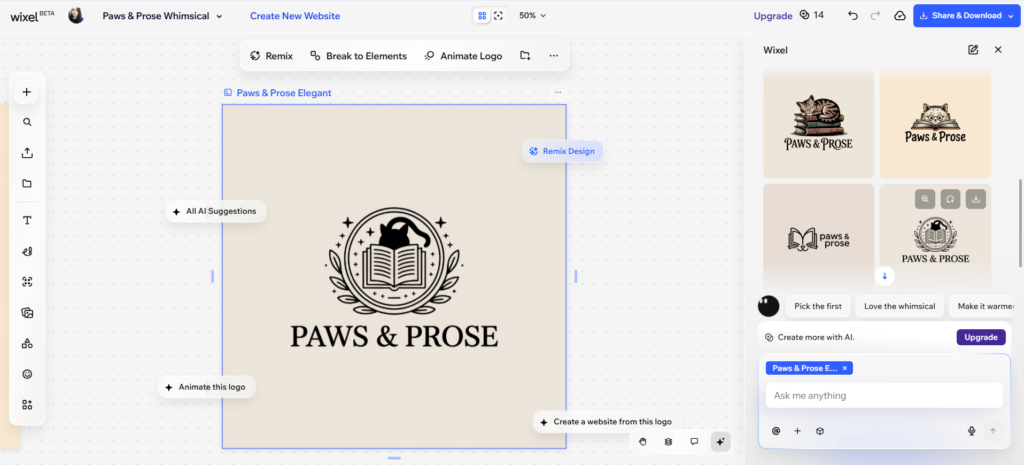
- Getting started: Wix asks a series of questions about your business, industry, preferred styles, and brand personality before generating designs.
- What it does well: The questionnaire gives Wix more structured information to work with and helps reduce misunderstandings. Instead of expecting you to describe Paws & Prose perfectly in one paragraph, for example, you can establish the industry, personality, and visual preferences through separate steps. The resulting designs generally take multiple parts of the brief into account rather than simply hyperfocusing on one obvious keyword.
- What the logos are like: Wix’s logos are clean, professional, and generally appropriate for the business information you provide. They also avoid many of the distorted text and malformed graphics associated with fully generative AI imagery. The trade-off is that Wix tends to play things fairly safe. Its concepts are often conventional rather than surprising, which is perfectly fine if you simply want a professional logo but less appealing if you’re looking for more unusual creative directions.
- Editing: Wix continues the guided approach inside the editor. Areas that can be changed are clearly indicated, which makes customization approachable even if you’ve never edited a logo before. AI-powered tools can also help generate graphics or make changes to your design.
- Where it could be better: Wix only generates four concepts at a time, so exploring a large number of visual directions takes longer than with tools that immediately give you a larger selection (like Design.com). AI-powered actions also consume credits, meaning repeated experimentation or generation will eventually need you to buy more credits.
- Pricing: Wix offers a free option that includes a high-resolution PNG. Paid logo packages add additional file formats and commercial usage options, with pricing depending on the package selected.
Do we recommend Wix Logo Maker?
Yes, especially for beginners. Wix is a good choice if the idea of writing a detailed logo prompt feels intimidating or you aren’t sure what visual style suits your business yet. However the smaller number of concepts and more conventional designs make it less suitable if you want to explore a huge range of ideas.
4. Canva: For fast and straightforward logo creation
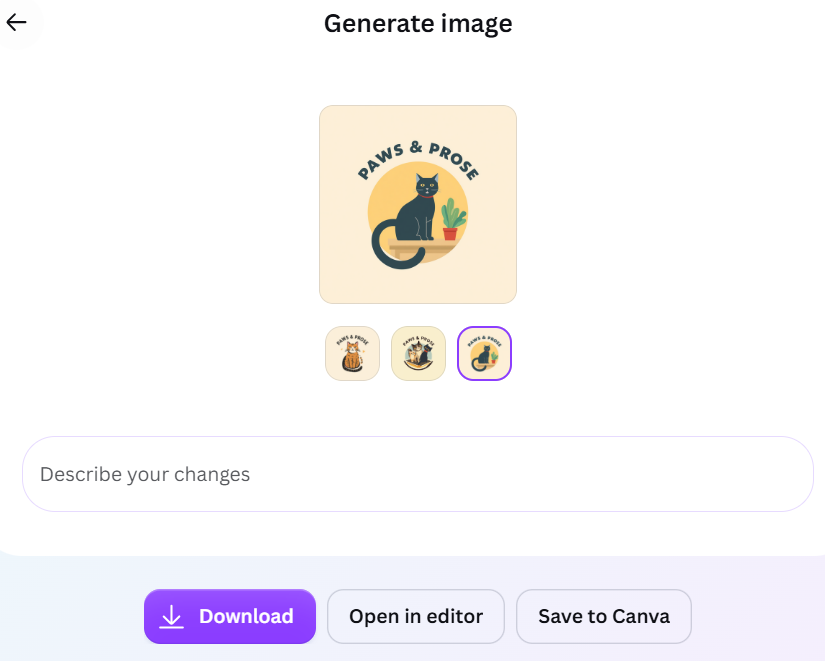
- Getting started: Users can describe the logo you want conversationally, much like chatting with an AI assistant. You’ll then receive around 3-4 concepts to work from.
- What it does well: Convenience is Canva’s biggest advantage. It can take a relatively straightforward description and quickly turn it into usable visual ideas without requiring much setup. For a business like Paws & Prose, it can pick up the general bookstore, cat, and cozy aesthetic and give you concepts that provide a reasonable starting point. This makes it useful when you want to get something on the page quickly and refine it from there. Canva also provides other desirable features like collaboration and AI tools.
- What the logos are like: Canva generally gets the broad direction right, but the concepts can lean toward fairly obvious interpretations. You may get a perfectly suitable bookstore logo without the same level of nuance in personality or positioning that Design.com or BrandCrowd can provide. Generative quirks can also appear if you look closely, including unusual text, spacing, or smaller visual details. They’re usually fixable, but it means some designs need another round of work before they’re ready to use.
- Editing: Canva’s wider editor is one of its strongest assets, giving you access to its familiar design tools and large asset library. However, AI-generated graphics are flattened into a single image rather than separated into individually editable logo elements. If you want to change a specific part of the generated graphic, you may therefore need to prompt the AI again instead of simply selecting and adjusting it.
- Where it could be better: The initial concepts aren’t always as distinctive or original, or closely tailored to the brand. AI generation and certain premium assets are also subject to plan limits, which can make repeated experimentation more restrictive.
- Pricing: Canva has a free plan where you access limited templates and editor features. Canva Pro provides more AI usage, premium assets, and additional design features through a paid subscription that starts $18/month.
Do we recommend Canva?
Yes, if you just want something usable and good without any hassle. The initial logos aren’t always the most distinctive or nuanced, but it’s a practical option for users who want a quick starting point and are comfortable refining the design themselves.
5. Looka: For creating logos that match your visual preferences
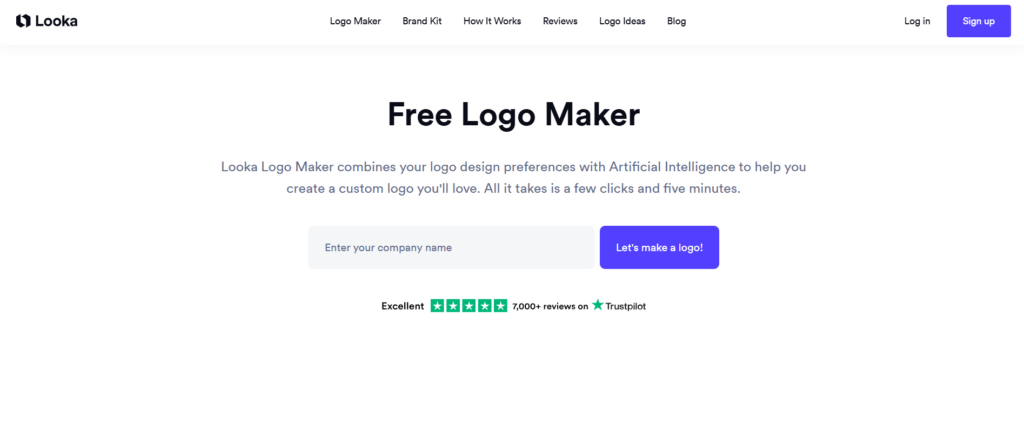
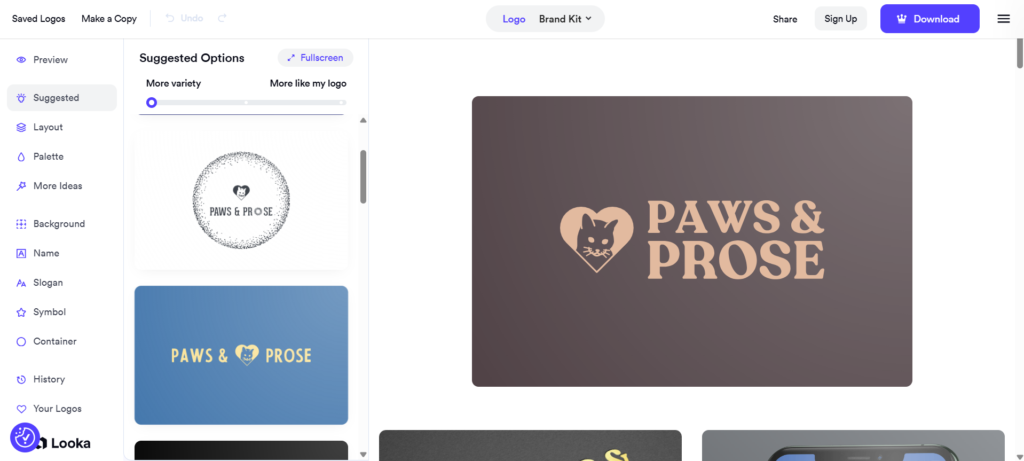
- Getting started: Looka, like Wix, learns your preferences through a series of questions. Aside from your business name and industry, Looka also asks users to select logos based on samples (so that the platform can see what logo style you like), plus the colors and symbol styles. The process is easy to follow although the symbol selection can be surprisingly limited at first. For example, when we wanted a cat-related logo, “cats” didn’t appear among the symbol keywords despite being a fairly common concept. Looka does let you choose “I want to pick my own symbols,” which opens a broader icon search where we could find and select specific cat graphics.
- What it does well: Looka is particularly good at taking visual choices you’ve already made and building around them. If you like a particular aesthetic, color palette, or symbol but aren’t sure how to turn those elements into a finished logo, the AI does much of that work for you. You don’t need to know how to describe them in a prompt.
- What the logos are like: Looka’s logos are clean and polished. The typography is readable, icons are properly rendered, and the compositions feel like actual logos rather than AI-generated illustrations. However, the designs tend to be more basic and safe, nothing particularly creative or unexpected. Since you also choose based on visuals, more nuanced descriptions like “cozy” or “warm” are also underrepresented in the output (since we probably did not click enough samples that are under that umbrella).
- Editing: You can easily customize the colors, fonts, symbols, layouts, sizing, and spacing after choosing a design. Looka also makes it easy to cycle through different variations of the same basic concept, so you can quickly see how a chosen symbol looks with different typography and compositions.
- Where it could be better: The biggest limitation is that Looka can make you narrow your visual direction too early. Selecting your own symbols solves the problem of missing keyword suggestions, but once we chose one or two cat icons, those specific graphics became the basis of the logos Looka generated. If you’re already invested in one icon, that’s useful since you can see plenty of ways to build a logo around it. But if you simply know you want something involving cats and want the AI to show you different interpretations, Looka isn’t as helpful. You’re effectively choosing the visual answer before seeing what other directions the tool might have come up with.
- Pricing: You can generate, edit, and preview logos for free, but you’ll need to pay to download one. The Basic Logo Package costs $20 as a one-time purchase, while the Premium Logo Package costs $65.
Do we recommend Looka?
Yes, if you already have a specific aesthetic or icons you want. But if you’re hoping the AI will take a broad idea and show you lots of unexpected ways to interpret it, the early preference and symbol choices can narrow the results too quickly. But if your problem is “I know what I like, now show me how it could work as a logo,” Looka is a good fit.
6. Adobe Express: For more illustrative AI concepts
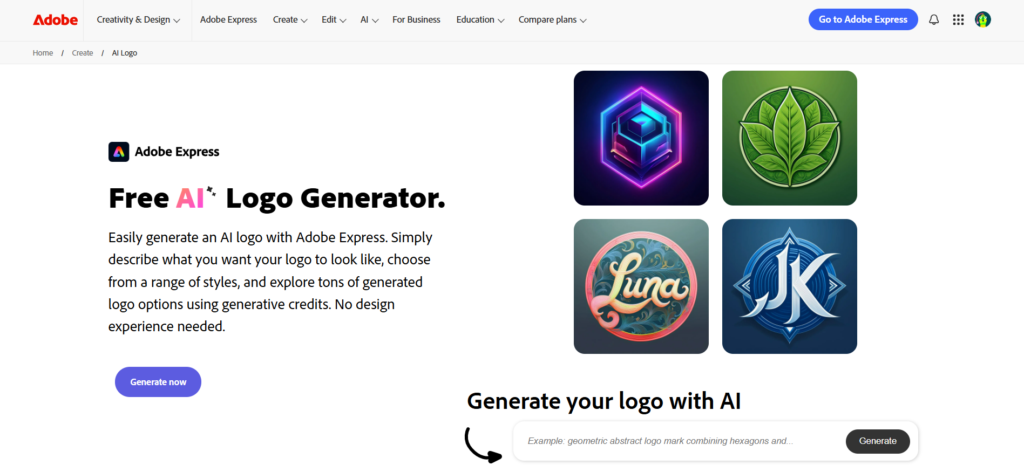
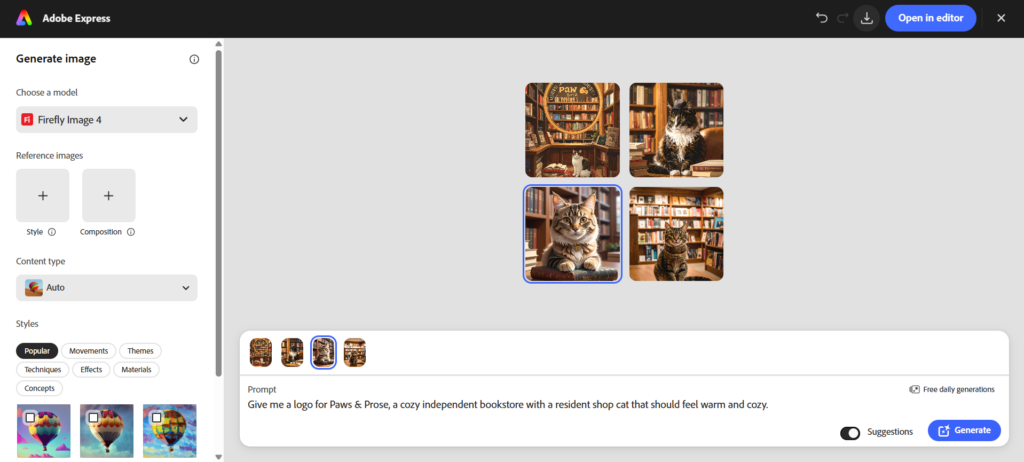
- Getting started: You describe the logo you want in a prompt and then have the option to adjust the settings / styles / techniques to influence the results. That gives you more freedom to achieve the exact look you are going for.
- What it does well: Adobe Express is particularly interesting when you want to move beyond conventional logo styles. For Paws & Prose, you could explore intricate book cover-like illustrations or other visual treatments that a traditional logo library might not immediately surface. The ability to push the AI toward different aesthetics makes it a useful brainstorming tool when you want something visually distinctive.
- What the logos are like: Adobe’s outputs are some of the most interesting concepts on this list. However, those results also show the limitations of fully generative AI more clearly. Typography may be misspelled or distorted, colors can be inconsistent, and smaller details can look strange. And since they produce illustrative concepts, the results can feel more like posters or artwork images rather than logos. Of course all of this can be fixed relatively easily, but it does add on to the things you have to do before you get the final output.
- Editing: Generated concepts are flattened into one image like Canva, which means the AI needs to regenerate to edit or fix mistakes. Minor edits can be done in the editor, where you do get a lot of more advanced editing features.
- Where it could be better: Consistency is the main issue. A visually impressive result that contains a lot of AI mistakes still wastes the users time.
- Pricing: Adobe Express has a free plan with limited generative AI credits and design features. Adobe Express Premium costs $9.99/month, with 250 generative credits per month, premium templates and assets, additional editing tools, and 100GB of storage.
Do we recommend Adobe Express?
Yes, but mainly for users who want to experiment. Adobe Express can produce some interesting visual directions and gives you more freedom to play with generative styles, but the results need closer editing for the AI errors.
7. Fiverr Logo Maker: For logos with designer-made foundations
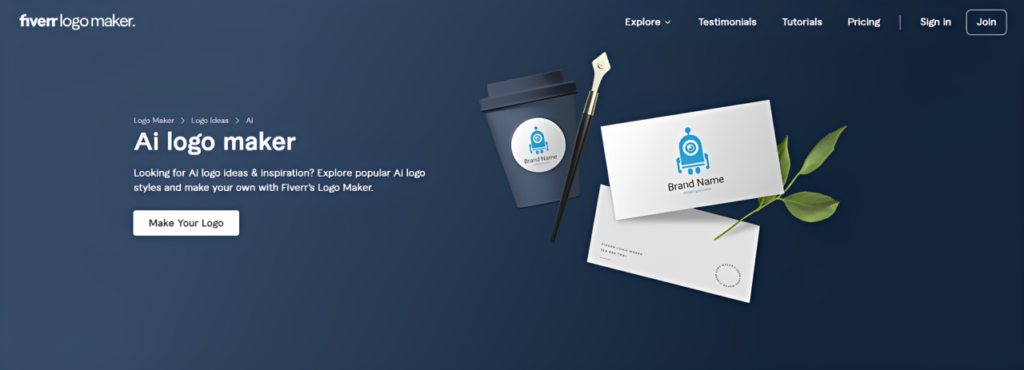
- Getting started: Fiverr Logo Maker begins with a questionnaire covering your business name, industry, keywords, preferred styles, and brand personality. Its AI then uses that information to match you with logos created by their designers rather than generating the design entirely from scratch.
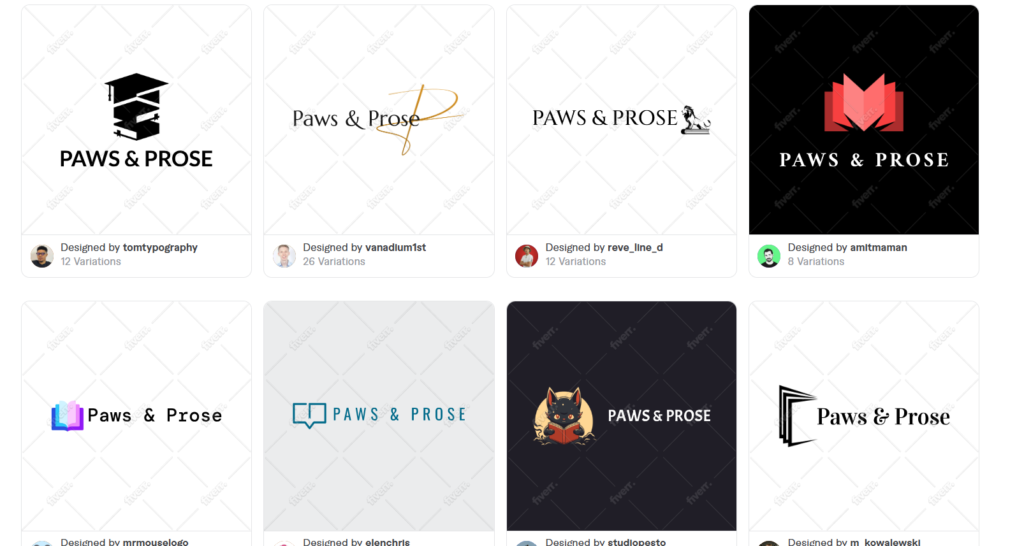
- What it does well: This approach largely sidesteps some of the most frustrating problems with generative AI. Because the underlying designs are professionally constructed, text is readable, icons have sensible proportions, and graphics don’t suddenly contain malformed or illogical details. You start with something that already follows established logo-design principles.
- What the logos are like: Fiverr’s designs are generally polished and technically sound. However, relevance can be more inconsistent. The AI has to find an existing design that matches your requirements, so a more nuanced brief may not always have a perfect counterpart in the library. For Paws & Prose, it could find a strong bookstore logo or a charming cat design without necessarily finding one that captures the combination and personality quite as precisely.
- Editing: Once you find a suitable logo, Fiverr provides a simple editor for adjusting elements such as fonts, colors, icons, and layouts.
- Where it could be better: Matching is the biggest limitation. The quality of your result depends on whether the underlying collection contains a design that closely fits what you’ve described. More specific or unusual brands may therefore get less precise results than businesses with fairly common visual identities.
- Pricing: Fiverr logos can be downloaded after buying one of their logo packages, which starts at $30.
Do we recommend Fiverr Logo Maker?
Yes, if you want a clean and error-free starting point. Its designer-made foundations help avoid many of the visual mistakes associated with generative AI, although the AI matching isn’t always precise enough for more nuanced brands.
Final Thoughts
AI logo makers have become much better at getting businesses from a rough idea to a usable visual identity.
But the best tools aren’t simply the ones that generate designs the fastest or those that have the most options. What’s important is that the AI understands what you’re asking for, and produces something polished, relevant, and usable with ideally the least effort needed.
That’s why Design.com is our best overall AI logo maker for 2026. It doesn’t have to rely on one strength to earn that spot. It combines strong brand relevance with polished designs, a huge amount of choice, and flexible editing, making it the most complete option for taking a business idea all the way to a finished logo.
Whichever platform you choose, give the AI enough information to understand the business behind the logo and not just its name. Add your keyword or a few more details. A good prompt won’t guarantee the perfect design on the first try, but it does give the AI much more to work with. And if you pair that with the right logo maker, you’ll have a much better starting point for creating a logo that actually feels like your brand.





[…] references (the same principles apply when building logos and brand systems — see the site’s logo design resources for foundational […]