Quick Answer
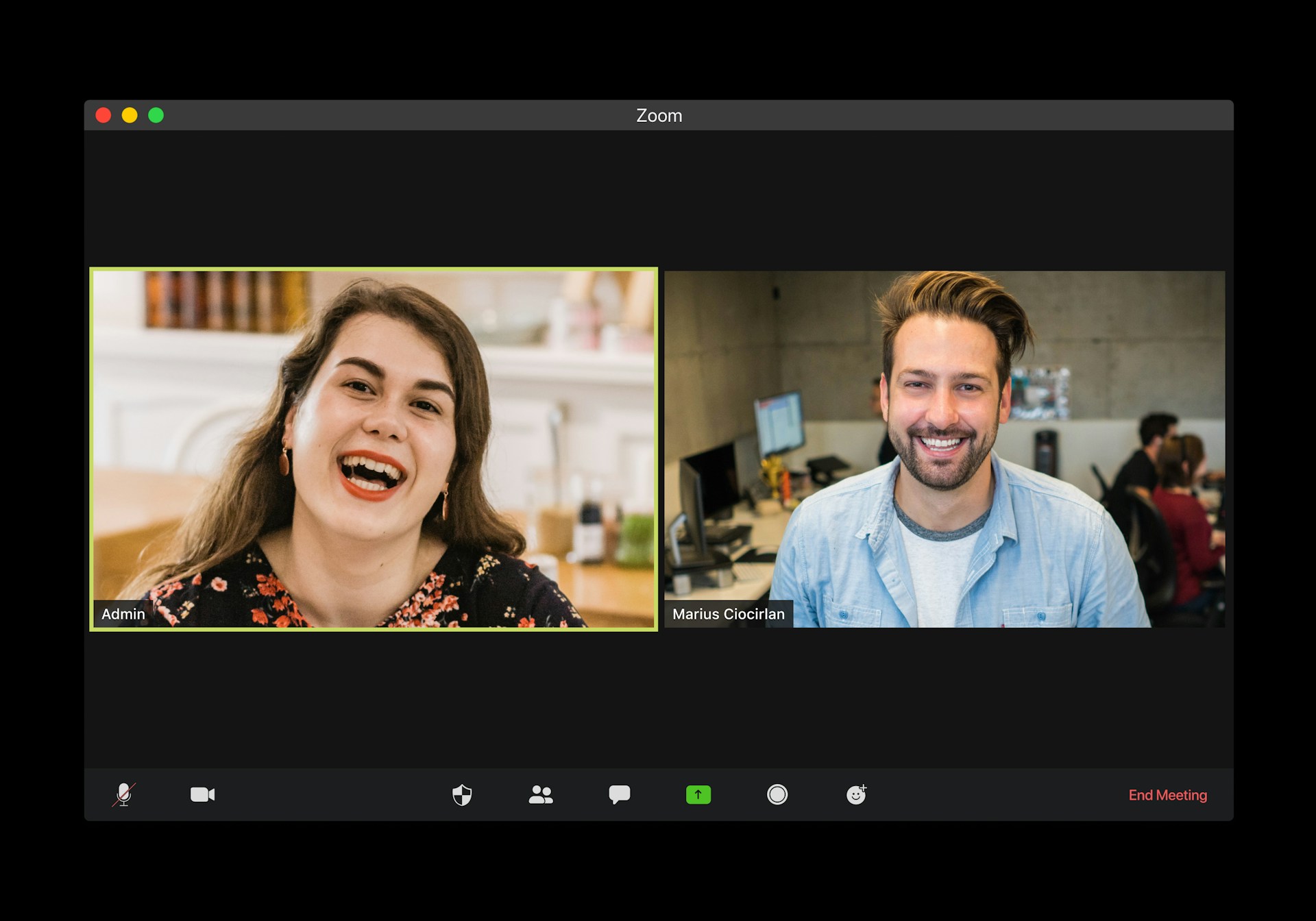
For most individuals and small teams, Fathom is the strongest overall pick — the highest-rated tool in the category, with a genuinely unlimited free tier and processing fast enough that a summary is ready before you’ve closed your laptop. Granola is the best choice if you specifically want to avoid a visible bot joining your calls, capturing audio locally instead and organizing your own rough notes rather than replacing note-taking with pure automation. Fireflies is the strongest pick for sales teams and any business that needs meeting data flowing directly into a CRM. Otter remains a solid choice for shared, searchable team transcripts. Notion AI Meeting Notes is worth using specifically if your team already lives inside Notion, since it keeps meeting records alongside the rest of your workspace rather than in a separate tool.
The rest of this guide covers why, the real difference between bot-based and bot-free tools, and the one thing almost every tool in this category still gets wrong: what happens to action items after the meeting ends.
Why This Category Has Exploded
The average professional now spends a substantial share of the work week in meetings, and research consistently shows people forget roughly half of what was discussed within a day. AI meeting assistants promise to solve both problems at once — saving the mental effort of note-taking during a call, and preserving an accurate record afterward. That promise has driven rapid growth and genuine improvement across this entire category in 2026, to the point where the harder question is no longer “does this tool transcribe accurately” — most do, reasonably well — but which one actually fits your specific workflow and privacy requirements.
Bot-Based vs. Bot-Free: The Core Distinction to Understand First
Before ranking specific tools, it’s worth understanding the fundamental split in how these tools actually work, since it affects both privacy and how a meeting feels for everyone involved.
Bot-based tools (Fathom, Fireflies, Otter, and others) join your call as a visible participant — you’ll often see a named bot in the participant list, which some clients and colleagues notice and occasionally object to. In exchange, this approach generally offers the broadest platform support and the most complete automated feature set, since the bot has direct access to the call’s audio and video feed.
Bot-free tools (Granola, and Microsoft’s native Teams integration) capture audio locally on your device instead, without any visible bot joining the call — a meaningfully different experience for privacy-conscious users, client-facing professionals, or anyone in a regulated industry where compliance teams are wary of third-party bots joining calls. The trade-off is generally narrower platform support and, for Granola specifically, a design built around organizing your own rough notes rather than fully automated transcription-and-summary generation.
Neither approach is universally better — the right choice depends heavily on whether the visible-bot experience is a real concern for your specific meetings, which is the single most important filter to apply before evaluating anything else in this comparison.
The Full Ranking
1. Fathom — Best Overall and Best Free Option
Fathom has emerged as the highest-rated tool in the category, with the most generous free tier of any major competitor — unlimited recording, transcription, and AI summaries with no time limit and no credit card required. Processing is notably fast, with a usable summary typically ready within about 30 seconds of a call ending. For individual contributors, executives, and small teams, it’s difficult to find a stronger combination of quality and price.
Where it falls short: As a bot-based tool, it does join calls as a visible participant, which may be a concern for some client-facing or compliance-sensitive use cases — worth considering Granola instead if that’s a genuine issue for your meetings.
2. Granola — Best Bot-Free Option
Granola has become the standout choice for anyone who can’t or doesn’t want a visible bot in their meetings, capturing audio locally on your device and organizing your own rough notes into a clean, structured record rather than fully replacing the note-taking process. Clients and colleagues never see any indication a call is being recorded by a third-party tool, which matters meaningfully for consultants, sales professionals, and anyone in a client-facing role.
Where it falls short: Platform support is narrower than the major bot-based tools, and it’s less suited to situations where a team needs a centrally controlled bot to capture meetings a specific person can’t personally attend.
3. Fireflies — Best for Sales Teams and CRM Integration
Fireflies has built a specific reputation for deep CRM and workflow integration, automating the manual work of copying meeting notes and action items into sales and project management tools. Its “Talk to Fireflies” feature, which lets users ask questions directly against their meeting history, adds a genuinely useful layer beyond simple transcription and summary.
Where it falls short: For individuals or small teams without CRM integration needs, its business-and-sales-oriented feature set is more capability than necessary compared to simpler, cheaper options like Fathom.
4. Otter — Best for Shared, Searchable Team Transcripts
Otter remains a strong choice specifically for teams that want live, shared transcripts and the ability to search and revisit past conversations easily — its strength has always been collaborative accessibility to meeting content, not just individual note capture.
Where it falls short: In direct comparisons, its post-meeting summary and action-item extraction features are generally considered less sophisticated than Fireflies’ or Fathom’s more purpose-built approaches to that specific task.
5. Notion AI Meeting Notes — Best for Notion-Native Teams
For teams already using Notion as their central workspace, its native AI meeting notes feature keeps meeting records directly alongside project documentation, wikis, and other team knowledge, rather than requiring a separate tool and a separate place to search for meeting history.
Where it falls short: As a feature within a broader workspace product rather than a dedicated meeting tool, its standalone transcription and summary quality doesn’t quite match the dedicated specialists in this comparison — the value proposition is really about workspace integration rather than best-in-class meeting intelligence.
The Comparison Table
| Tool | Best For | Bot or Bot-Free | Free Tier |
|---|---|---|---|
| Fathom | Overall best, best free | Bot-based | Genuinely unlimited |
| Granola | Privacy, no visible bot | Bot-free (local capture) | Limited |
| Fireflies | Sales teams, CRM sync | Bot-based | Limited |
| Otter | Shared team transcripts | Bot-based | Limited |
| Notion AI Meeting Notes | Notion-native teams | Bot-based/native integration | Included with Notion plans |
The Real Problem Almost Every Tool Still Has: What Happens After the Notes
A consistent pattern across this entire category, worth being direct about: most tools are genuinely good at transcription and summarization, and far less consistent at what happens next. Action items get accurately captured but don’t reliably move anywhere — they sit in a summary that nobody revisits, rather than becoming an actual task, calendar entry, or CRM update that gets acted on.
This is exactly the gap our guide to AI agents for founders flags as one of the most mature and reliable current agent use cases — turning meeting notes into genuine action items and follow-ups, not just a static summary. When evaluating a meeting assistant for your own workflow, it’s worth specifically testing what happens to an extracted action item: does it land in a task list or CRM you’ll actually check, or does it just sit inside the meeting tool’s own interface, effectively as forgotten as if you’d never captured it at all.
Privacy and Compliance Considerations
Given that these tools have access to potentially sensitive conversations — client discussions, internal strategy, personnel matters — it’s worth a direct, upfront check of a few things before adopting any tool broadly across a team: whether meeting recordings and transcripts are used for any model training beyond your own account, how long data is retained and how to delete it, and whether the tool meets any specific compliance requirements relevant to your industry. Bot-free tools like Granola have a genuine advantage for compliance-sensitive contexts specifically because they avoid the visible third-party participant that some compliance teams flag as a risk on its own, independent of the tool’s actual data handling practices. As with any AI tool handling sensitive information, checking a specific tool’s current, official privacy documentation directly — rather than assuming a default configuration is appropriately scoped — remains the responsible approach.
Pricing Snapshot (2026)
Pricing and free-tier limits shift fairly often in this category — several vendors have adjusted pricing mid-year in 2026 alone — so treat these as a rough, recently-verified starting point rather than fixed numbers, and check each vendor’s current pricing page directly before committing.
| Tool | Free Tier | Typical Paid Entry Cost |
|---|---|---|
| Fathom | Unlimited recording, transcription, and summaries | Premium tier around $20/month for advanced features |
| Granola | Limited meeting volume | Mid-range monthly subscription for unlimited use |
| Fireflies | Limited monthly transcription minutes | Mid-range monthly subscription, scaling with team size |
| Otter | Limited monthly transcription minutes | Mid-range monthly subscription |
| Notion AI Meeting Notes | Included with existing Notion plans | Bundled into Notion’s own subscription tiers rather than priced separately |
Worth noting from current, recently-updated comparisons: free-plan ceilings across this category are sometimes capped in less obvious ways than the headline pricing page suggests — a limit on meeting length, a cap on monthly volume, or a restriction on a specific feature you assumed was included. Checking the specific, current fine print before assuming a free tier covers your actual usage pattern is worth the extra few minutes, especially given how often these limits have shifted through 2026.
Matching the Tool to Your Specific Role
For founders and executives with a high volume of varied meetings — investor calls, team syncs, customer conversations — Fathom’s combination of strong free-tier value and fast processing makes it a practical default, with Granola as the natural switch for any specific call where a visible bot would be inappropriate.
For sales and customer-success teams, Fireflies’ CRM integration and workflow automation directly address the specific, repetitive administrative burden this role faces after every call, making the investment in its more business-oriented feature set clearly worthwhile relative to a simpler, cheaper tool.
For consultants and client-facing professionals, Granola’s bot-free approach is worth prioritizing over a marginally more feature-complete bot-based competitor, given how much client trust and comfort matters in these relationships specifically.
For teams already standardized on Notion as a central knowledge base, the native Notion AI Meeting Notes feature is worth using specifically for the workspace integration it offers, even though its standalone meeting-intelligence features trail the dedicated specialists in this comparison — the value here is architectural, not feature-for-feature.
For research-heavy roles — product teams, UX researchers, anyone regularly synthesizing themes across many separate conversations — it’s worth specifically evaluating a tool’s cross-meeting analysis capability, not just its single-call transcription quality, since the real value in this context often comes from spotting patterns across dozens of conversations rather than reviewing any one meeting in isolation.
Common Mistakes When Choosing an AI Meeting Assistant
Picking based on transcription accuracy alone. As covered above, nearly every tool in this category now transcribes reasonably well — the real differentiator is what happens after the transcript, including action-item follow-through and integration with the tools you actually use daily.
Ignoring the bot-visibility question until a client objects. If any of your regular meetings are client-facing or otherwise sensitive to a third-party bot joining, it’s worth deciding on a bot-free tool like Granola upfront rather than discovering the issue after a client raises it.
Adopting a tool team-wide without testing the actual post-meeting workflow. Before committing to one tool across a whole team, explicitly test whether extracted action items land somewhere people will actually see and act on — this single factor, more than any other feature comparison, tends to determine whether a meeting assistant genuinely changes how a team operates.
Not checking free-tier limits carefully. Free-plan ceilings across this category vary significantly and are sometimes capped in less obvious ways than the headline pricing page suggests — worth checking the specific, current limits (meeting length, monthly volume, feature restrictions) directly before assuming a free tier will cover your actual usage.
Overlooking compliance requirements for regulated industries. For teams in healthcare, legal, financial services, or other regulated contexts, verifying a specific tool’s compliance certifications and data handling practices directly is worth the extra diligence before broad adoption, rather than assuming any popular tool is automatically appropriate for a sensitive context.
Frequently Asked Questions
What’s the best free AI meeting note taker? Fathom currently offers the most generous free tier in the category — unlimited recording, transcription, and AI summaries with no time limit and no credit card required — making it the strongest free option for most individuals and small teams.
What’s the difference between a bot-based and bot-free meeting assistant? Bot-based tools join your call as a visible participant to capture audio and video directly, while bot-free tools like Granola capture audio locally on your device without any visible third-party presence in the meeting — a meaningful difference for privacy-conscious or client-facing use cases specifically.
Which AI meeting assistant is best for sales teams? Fireflies has built a specific reputation for deep CRM integration and sales-workflow automation, making it the strongest choice for teams that need meeting data flowing directly into their sales tools rather than sitting in a standalone app.
Do AI meeting assistants actually help with follow-through, or just transcription? This varies significantly by tool, and it’s the single most important thing to test before committing to one broadly — many tools capture action items accurately but don’t reliably push them into a task list or CRM that gets checked, effectively limiting their value to transcription and summary alone.
Is it safe to use an AI meeting assistant for sensitive or confidential meetings? This depends on the specific tool’s data handling and retention practices, which are worth checking directly before use in sensitive contexts. Bot-free tools have a structural privacy advantage in avoiding a visible third-party participant, but the underlying data handling policy matters more than the bot-visibility question alone for genuinely sensitive or regulated content.
Can I use more than one meeting assistant for different types of meetings? Yes, and many professionals do — using a bot-free tool like Granola for sensitive client calls and a more fully-automated tool like Fathom or Fireflies for internal team meetings is a reasonable way to match the right tool to each specific context rather than forcing one tool to handle every use case.
Conclusion
The best AI meeting assistant for most people in 2026 is Fathom, given its combination of quality and a genuinely unlimited free tier, with Granola as the clear choice whenever a visible bot in your meetings is a real concern. Fireflies and Otter remain strong, more specialized options for sales-heavy and collaboration-heavy teams respectively.
Whichever tool you choose, the real test isn’t transcription quality — nearly every tool in this category now handles that well. It’s whether the action items and decisions captured in a meeting actually turn into something that gets done afterward, which is the same operational-agent discipline covered throughout this site’s broader guide to using AI agents well: a tool that captures information perfectly but doesn’t change what happens next isn’t actually saving you the time it promises.





[…] covered in our full comparison of AI meeting assistants, the bot-based versus bot-free distinction is the single most important factor separating tools in […]
[…] Fathom — The highest-rated tool in the category with a genuinely unlimited free tier and fast processing. Full comparison. […]