
A few years ago, getting a custom image for a social post, a landing page, or a flyer meant either paying a designer, digging through stock libraries for something “close enough,” or learning software you didn’t have time to learn. AI image generators changed that math. Now you can describe what you want in plain language and have a usable image in seconds.
The catch is that “AI image generator” has become a crowded category, and not all of them are built for the same job. Some are made for artists chasing a specific aesthetic. Others are bolted onto design suites as an afterthought. We tested five of the most popular free AI image generators in 2026 to see which ones actually deliver images you can use, and which ones just look good in a demo.
Quick Comparison Table
| Tool | Free to Use | No Account Needed | Prompt Detail Controls | Design Tool Integration | Best For |
| Design.com | Yes | Yes | Yes | Yes | Turning a prompt into a finished, branded design |
| Canva AI (Text to Image) | Yes (limited) | No | Basic | Yes | Users already working in Canva |
| Adobe Firefly | Yes (limited) | No | Yes | Adobe apps only | Adobe Creative Cloud users |
| Microsoft Designer (Image Creator) | Yes | No | Basic | Limited | Quick, casual images |
| Midjourney | No free tier | No | Yes | No | Highly stylized, artistic output |
The Full Breakdown
Here are the five AI image generators we tested, ranked from best to most limited.
1. Design.com
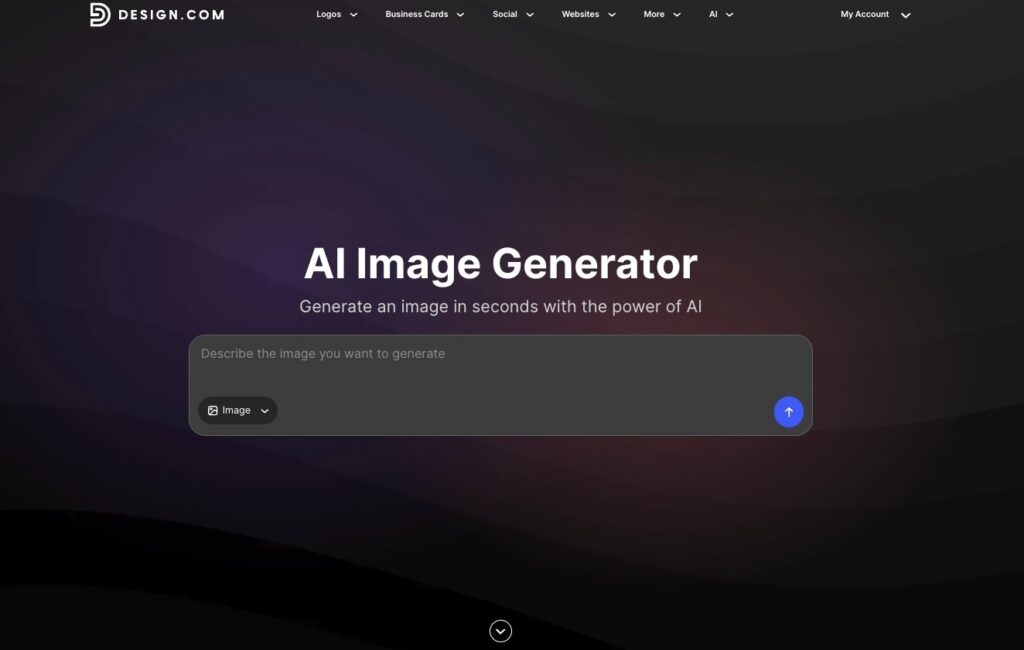
Most AI image generators stop the moment they hand you a picture. Design.com’s AI image generator starts there and keeps going. You describe the image you want in everyday language, including the subject, setting, background, style, mood, lighting, colors, and composition, and the generator returns multiple interpretations of that prompt rather than a single result. With this, you actually have creative directions to choose from instead of a one-take-it-or-leave-it image.
What stood out most in testing was how iterative the process felt. If the first batch isn’t quite right, you refine the prompt, add more detail, and generate again, narrowing in on the result you actually want instead of starting over from scratch. Generation itself takes seconds, so testing five or six variations on an idea doesn’t feel like a chore.
The image quality held up across different use cases in our testing. Product concepts, illustrations, abstract imagery, and more stylized artwork all came back polished enough to use directly in marketing materials. You can see how varied the results are, giving you plenty of options to choose from depending on your preferred style and direction.
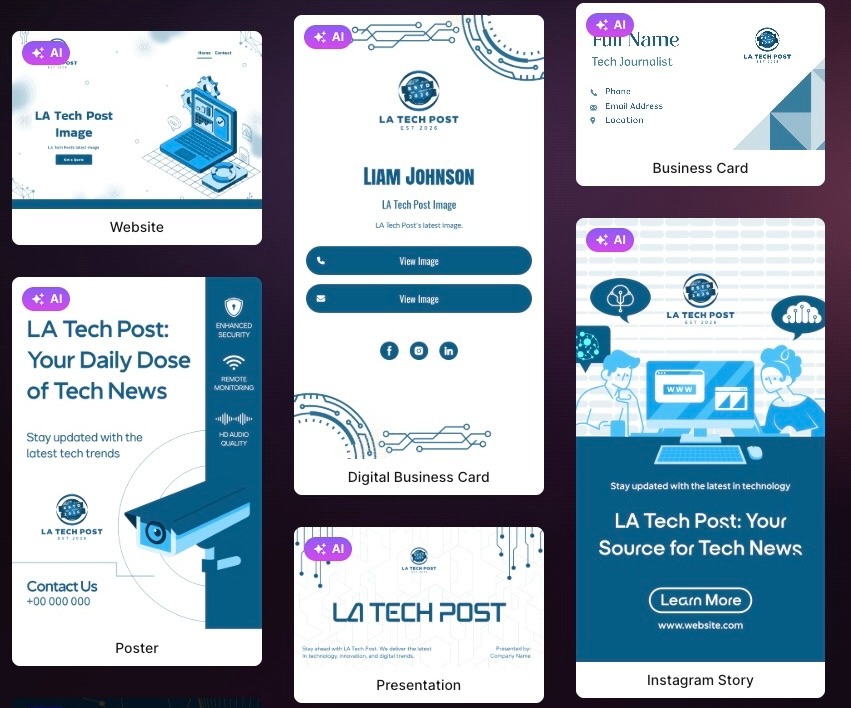
Where Design.com pulls ahead of every other tool on this list is what happens after the image is generated. Since the image generator lives inside Design.com’s broader design platform, you can drop your finished image straight into a template, pair it with your logo, brand colors, and fonts, and turn it into a finished business card, flyer, or poster. Nothing else here closes that loop. The others get you an image file. Design.com gets you a finished, on-brand asset.
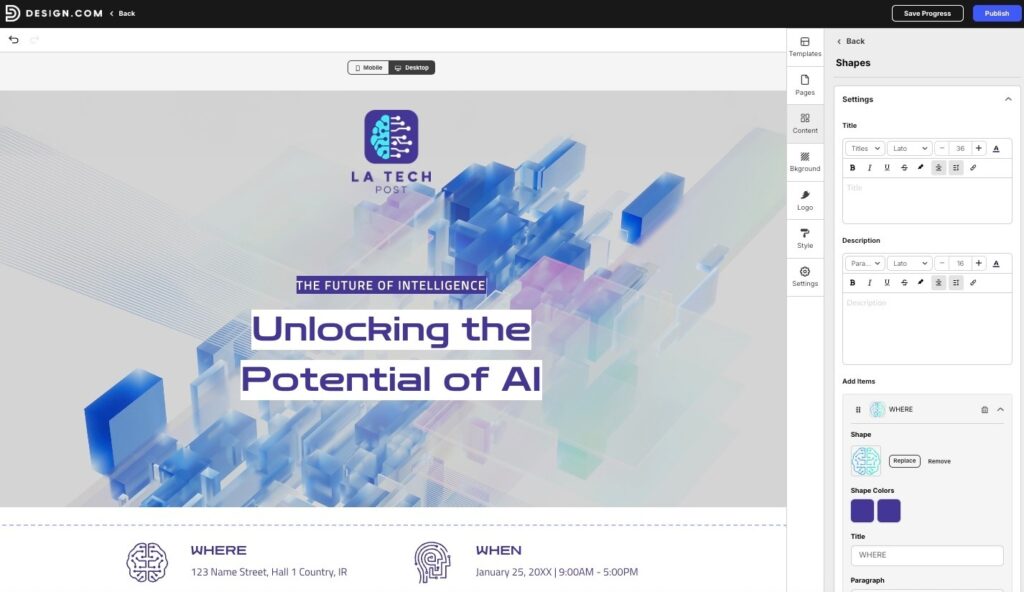
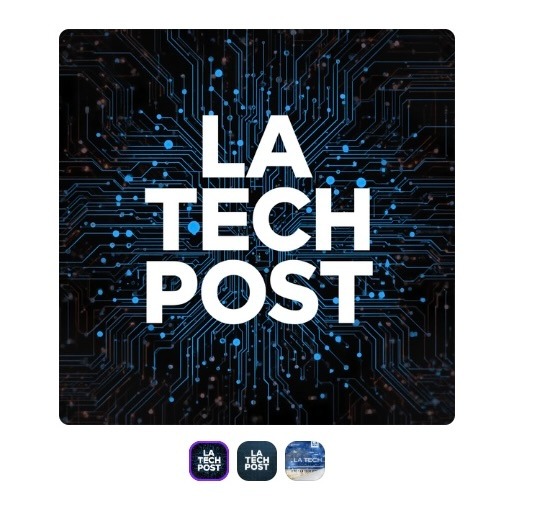
Here’s an example of an image generated with Design.com. We tested the tool by creating a media visual for the LA Tech Post website, and it produced a polished result that closely followed our prompt. For consistency, we used the same brief across the other image generators to see how each tool interpreted the request.
Take a look at how Design.com handled the overall composition, imagery, and details of the brief. The editor is also easy to follow and use, with straightforward controls that make it simple to refine the image.
Key Features
- Text-to-image AI generation with no account required
- Detailed prompt controls for subject, setting, style, mood, lighting, colors, and composition
- Multiple image interpretations generated per prompt
- Iterative generation, so prompts can be refined and regenerated until the result is right
- A free number of AI edits on generated images
- Support for realistic scenes, product concepts, illustrations, abstract imagery, backgrounds, and imaginative artwork
- Direct integration with Design.com’s templates, logo maker, and brand tools
- No design, photography, or illustration experience required
Paid plans
| Plan | Monthly (billed monthly) | Monthly (billed annually) | What’s Included |
| AI Design Plan | $3/month | $3/month | AI image editor, 50 AI-generated images a month, 50+ other design and AI tools, 651,000+ templates, business cards, Instagram posts, Facebook posts, email signature, letterheads |
| AI Design Plan + Website | $5/month | $5/month | Everything in the AI Design Plan, plus a website |
2. Canva AI
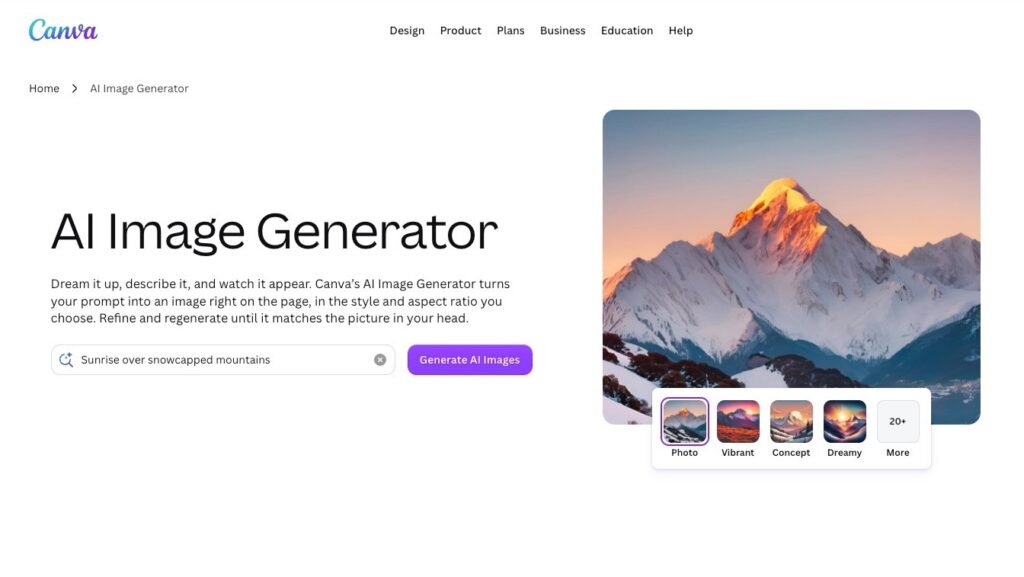
Canva’s text-to-image tool benefits from sitting inside a platform millions of people already use weekly. If your workflow already lives in Canva, generating an image without leaving the app is genuinely convenient, and the results are usable for casual social graphics or quick mockups.
The tool is fine at what it does, but it’s a feature bolted onto a much bigger product rather than something built specifically around image generation. Prompt controls are basic compared to a purpose-built generator, results can feel generic on anything beyond simple compositions, and the free plan caps how many images you can generate before pushing you toward Canva Pro. It’s a reasonable option if you’re already a Canva user, but less compelling if you’re choosing a tool from scratch.
Take a look at the image generated from our test prompt. The result looks a little too plain and would need further editing to make the overall design more engaging and polished.
Key Features
- Text-to-image generation built into the Canva editor
- Basic prompt controls for subject and style
- Generated images can be dropped directly into Canva templates
- Limited number of free generations before requiring Canva Pro
- Requires a Canva account to use
Pricing
| Plan | Price | What’s Included |
| Free | $0 | Basic design tools, limited AI image generation credits, 5GB storage |
| Pro | $18/month (or $12/month billed annually) | Unlimited premium content, brand kit, background remover, higher AI credit pool |
| Business | $25/user/month (billed annually) | Everything in Pro, plus team collaboration and brand controls |
3. Adobe Firefly
Firefly is a solid generator on a technical level, and Adobe markets it as trained to avoid copyright issues, which matters if commercial use is a concern. Prompt detail controls are reasonably deep, and results are generally clean.
The friction shows up around the edges. Firefly is really designed to plug into Photoshop and other Creative Cloud apps, so getting full value out of it assumes you’re already in that ecosystem. On its own, the free plan’s generation credits run out quickly, and there’s no real path from “generated image” to “finished design” without exporting into another Adobe app and doing that work yourself.
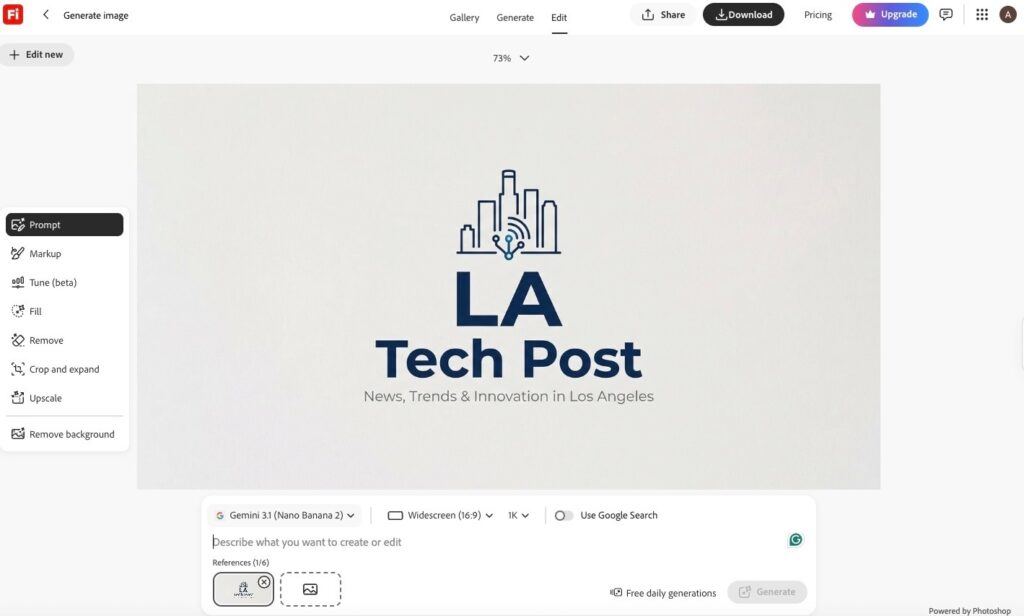
Here’s how the tool interpreted the prompt in our test. While the result is good overall, some elements look too simple.
Key Features
- Text-to-image generation trained with commercial use in mind
- Reasonably detailed prompt controls
- Deep integration with Photoshop and other Creative Cloud apps
- Limited free generation credits each month
- Requires an Adobe account to use
Pricing
| Plan | Price | What’s Included |
| Free | $0 | Limited daily generative credits, watermarked results |
| Standard | $9.99/month | 2,000 generative credits a month, no watermark |
| Pro | $19.99/month | Higher credit pool, plus Photoshop and Express access |
4. Microsoft Designer
Microsoft’s Image Creator is fast, free, and requires nothing more than a Microsoft account to start. For quick, low-stakes images, like a header for a casual document, a placeholder graphic, or something to drop into a slide, it gets the job done without friction.
It’s a capable tool for casual use, but prompt controls are limited compared to the more detailed options above, and there’s no meaningful way to turn what you generate into a polished, branded asset. It generates images. That’s the whole product.
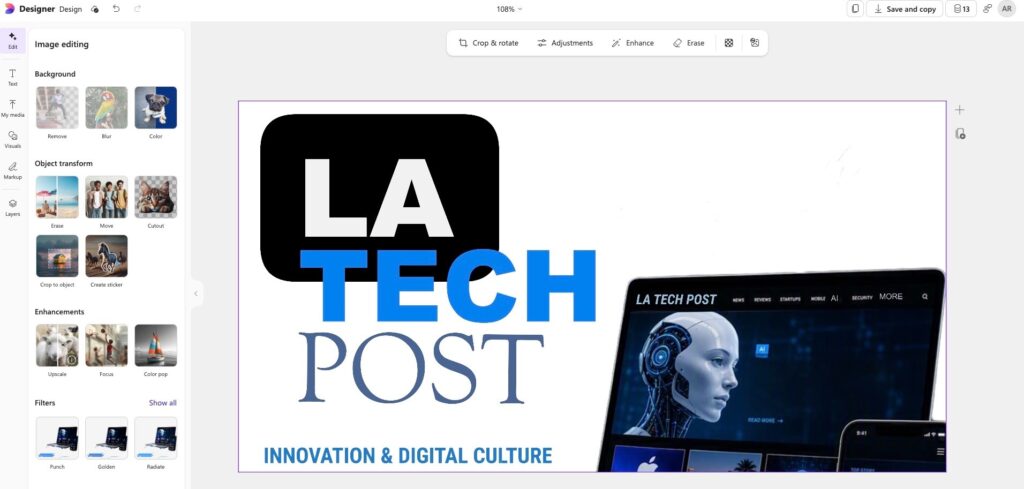
Below is the image the generator created from the promotional brief. The image has a strong starting point, but it feels too generic.
Key Features
- Fast, free text-to-image generation
- Basic prompt controls for subject and style
- Simple, no-frills interface
- No path from the generated image to a finished branded design
- Requires a Microsoft account to use
Pricing
| Plan | Price | What’s Included |
| Free | $0 | 15 AI image credits a month |
| Microsoft 365 Personal | $6.99/month | 60 AI credits a month, plus Word, Excel, PowerPoint, and 1TB storage |
| Copilot Pro | $20/month | Higher daily generation limits and faster image generation |
5. Midjourney
Midjourney remains a favorite among artists and designers chasing a specific, highly stylized aesthetic, and the visual quality of its output is genuinely impressive. It’s the most artistically distinctive tool on this list.
It’s also the least accessible. There’s no free tier, it runs primarily through Discord rather than a standalone interface, and the learning curve for prompt syntax is steeper than anything else here. For someone who wants a straightforward way to generate an image and use it in a marketing asset or social post, Midjourney is more of a tool than most people need.
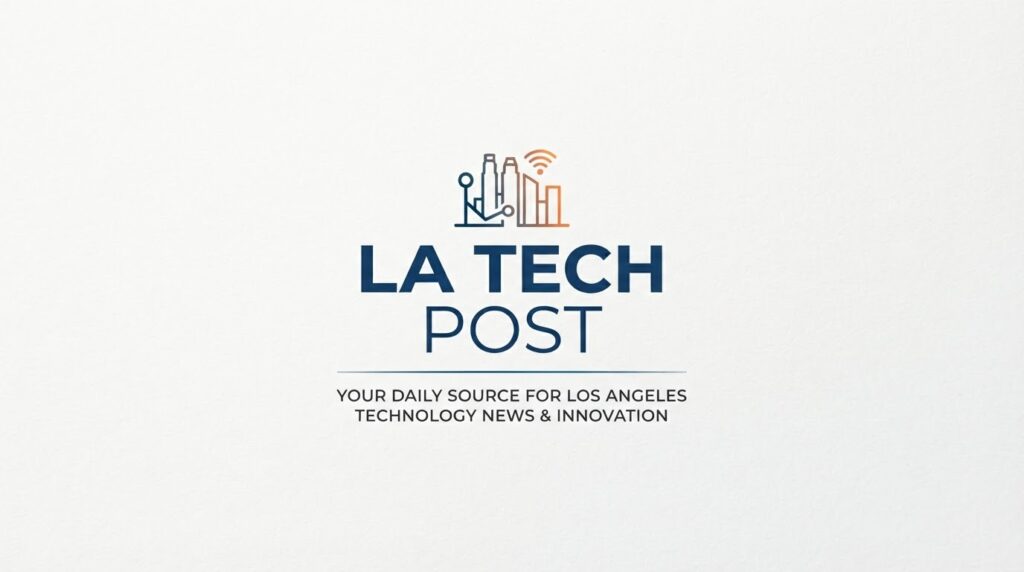
Check out how the generated image turned out using the same instructions. The arrangement and some of the details feel similar to other generated results, making the image look less distinctive overall.
Key Features
- Highly detailed, artistic image generation
- Deep prompt syntax for advanced creative control
- Distinctive, stylized visual output
- Runs through Discord rather than a standalone app
- No free tier available
Pricing
| Plan | Price | What’s Included |
| Basic | $10/month (or $8/month billed annually) | About 3.3 hours of fast GPU generation a month |
| Standard | $30/month (or $24/month billed annually) | 15 hours of fast GPU time, plus unlimited relaxed-mode generation |
| Pro | $60/month (or $48/month billed annually) | 30 hours of fast GPU time, plus Stealth Mode for private generations |
| Mega | $120/month (or $96/month billed annually) | 60 hours of fast GPU time for high-volume use |
How to Pick the Right AI Image Generator
Do you need just an image or a finished design? If you need a picture to drop into something you’re already building elsewhere, most tools on this list will get you there. If you want to go from a blank page to a finished, branded flyer, post, or presentation without switching platforms, prioritize a tool that offers design integration in its free plan.
How much creative control do you want? Some tools let you specify mood, lighting, composition, and style in detail. Others give you a text box and a “generate” button. Neither is wrong, but a tool with more control will slow you down if all you need is something quick, and a stripped-down tool will frustrate you if you have a specific vision in mind.
Are you already committed to a platform? If your work already lives in Canva or Adobe, the native tool will save you setup time. If you’re starting from scratch, you have the most flexibility, which means you can choose the tool that gives you the best result for free.
Our Final Verdict
AI image generation has become table stakes. Nearly every design platform has some version of it now. The real difference between tools in 2026 isn’t whether they can generate an image; it’s what happens after they do.
Design.com is the clear recommendation for most people. It’s the best tool on this list, combining genuinely flexible prompt-based generation with a direct path to a finished, branded design.




[…] Best AI Image Generator Software in 2026By Tech Expert TeamA few years ago, getting a custom image for a social post, a landing page, or a flyer meant either paying a designer, digging through… Leave a Comment […]
[…] reading on LA Tech Post: Best AI Tools for Branding · Best AI Image Generators · How to Start a Business With […]